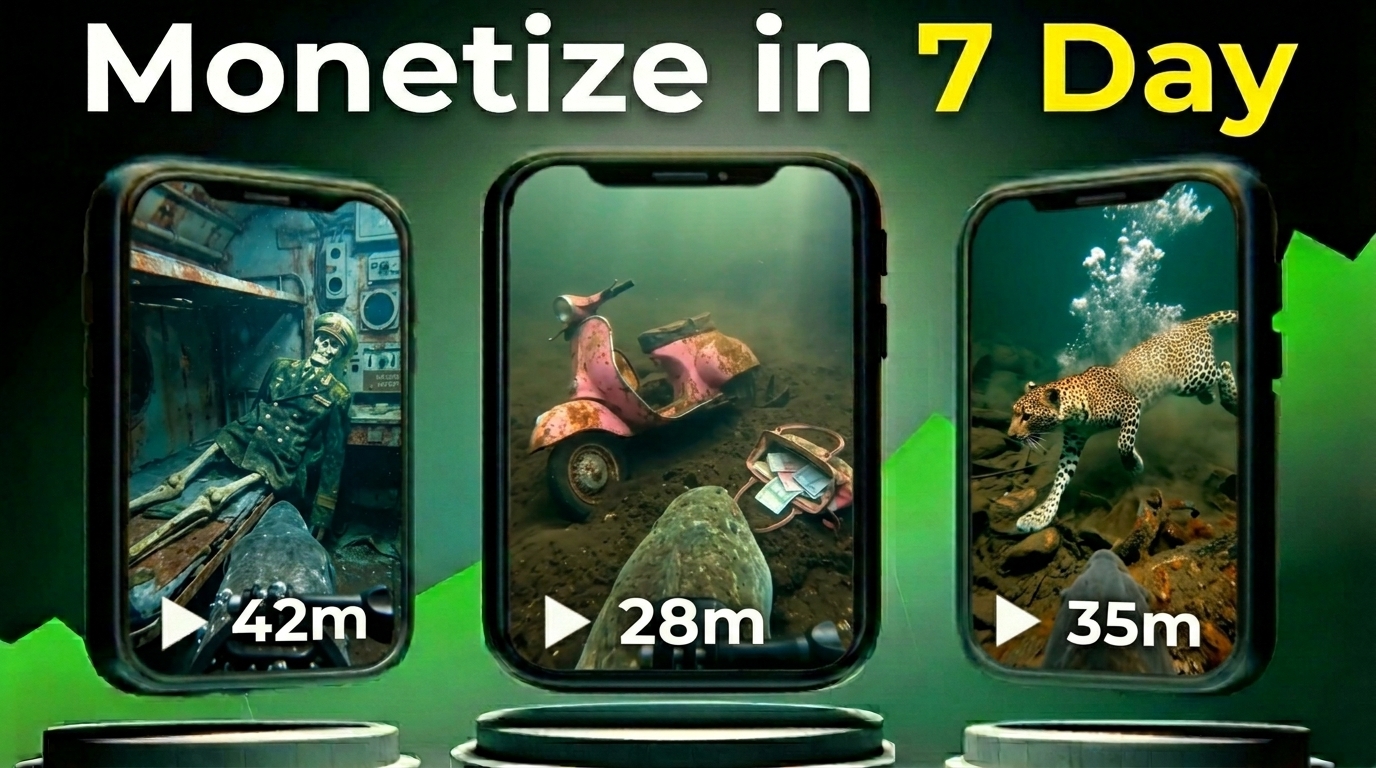
YouTube is constantly evolving, and new niches appear every year. Recently, a secret AI-powered YouTube niche has started exploding with millions of views, yet most creators still don’t know about it.
Some channels with less than 40 videos are already generating tens of millions of views using this strategy. The surprising part is that the videos are extremely simple and can be created using completely free AI tools.
In this guide, I will show you step-by-step how to create these viral videos using free AI tools, even if you have no experience with video editing.
A Viral AI YouTube Channel Example
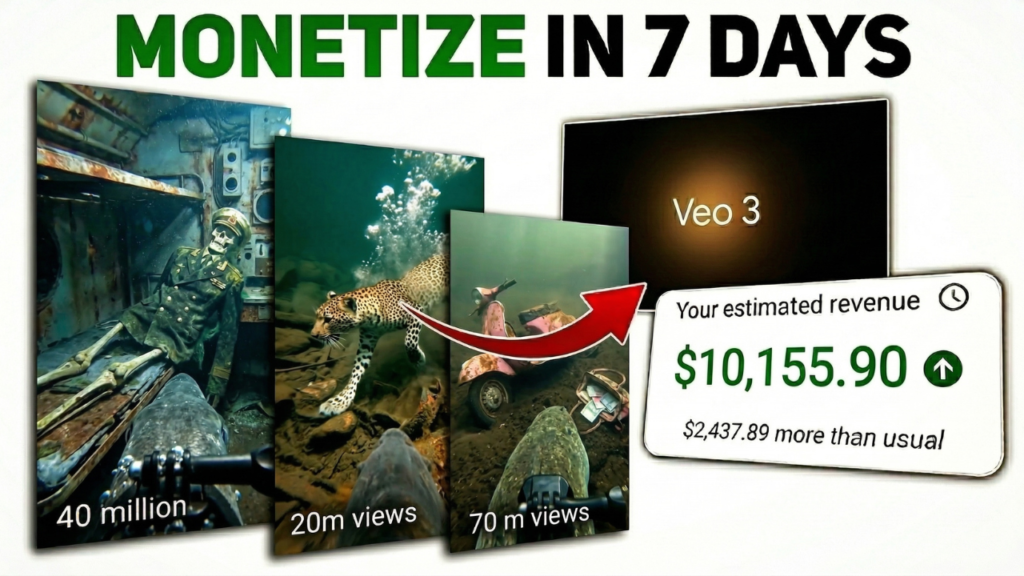
Let’s take a look at a YouTube channel called Animal GoCam.
This channel has:
- 217K subscribers
- Only 39 videos
- Over 176 million total views
Some of its most popular videos have:
- 56 million views
- 38 million views
- 12 million views
- 10 million views
Every video on this channel is getting millions of views.
The content idea is very simple.
The videos show animals with tiny body cameras exploring places like oceans, rivers, cities, ancient ruins, and abandoned areas.
But the interesting part is the storytelling. Each video feels:
- mysterious
- cinematic
- dangerous
- like you’re discovering something hidden.
This curiosity keeps viewers watching.
Why This AI YouTube Niche Is Blowing Up
There are three main reasons this niche is exploding right now:
1. Very Low Competition
Most creators don’t know about this type of content yet, which means there is still huge opportunity to grow quickly.
2. AI Makes Everything Easy
These videos can be created using free AI tools. You don’t need cameras, animals, or expensive software.
3. High Viewer Curiosity
People love watching mysterious exploration content. When viewers feel like they’re seeing something secret or hidden, they keep watching.
Step 1: Generate Viral Video Ideas with ChatGPT
The first step is to generate a viral topic idea.
You can do this using a prompt inside ChatGPT.
Once you paste the prompt, ChatGPT will generate 10 viral video ideas related to this niche.
For example:
- Dolphin exploring a hidden underwater city
- A cat camera exploring abandoned ruins
- A snake discovering ancient temples
If you don’t like the ideas, you can simply regenerate new ones.
Once you find a topic you like, copy the title idea.
Prompts link
Step 2: Generate Image Prompts
After selecting a topic, you will use another prompt in ChatGPT.
Paste the title inside the prompt and generate results.
ChatGPT will create:
- Image prompts
- Video motion prompts
These prompts will help you generate realistic images and videos.
Step 3: Create AI Images
Now it’s time to generate the images.
You can use an AI image generator such as Pippit.ai.
If you sign up on the website, you can get free credits to create images.
Steps:
- Go to the image generation page
- Paste the image prompt
- Select the Nano Banana model
- Choose the 9:16 aspect ratio
- Click Generate
After a few seconds, the AI will generate a cinematic high-quality image.
Repeat the same process for all prompts until you generate all images.
Step 4: Download the Images
Once all images are generated:
- Click on each image
- Click the Download button
- Download the image in PNG format
Save all images in one folder so they are easy to use later.
Step 5: Convert Images Into Videos
Next, we will convert the images into video clips.
For this step, we use Google Flow AI, which is a free AI video generation tool.
Website:
https://labs.google/fx/tools/flow
Steps:
- Open the website
- Click Sign In
- Click New Project
Inside the project:
- Change the setting from image to video
- Select 9:16 aspect ratio
- Upload your image
Now go back to ChatGPT and copy the video motion prompt that belongs to the image.
Paste the motion prompt into Flow AI and click Generate.
The AI will convert your image into a short video clip.
Repeat this process for all images.
Step 6: Download All Video Clips
After the videos are generated:
- Open each clip
- Click the Download button
- Save the video to your device
Download all clips so they are ready for editing.
Step 7: Edit the Video
Now we combine everything into one video.
You can use any editing software, but CapCut is a good free option.
Steps:
- Open CapCut
- Create a New Project
- Import all video clips
- Place them on the timeline
If you see a watermark in the clip, simply zoom the video slightly so the watermark disappears.
After arranging all clips:
- Add transitions
- Apply effects if needed
- Adjust timing
Step 8: Export the Final Video
Once editing is complete:
- Click Export
- Select your resolution
- Click Export again
Your final video will download to your device.
Final Result
You now have a fully AI-generated viral-style video that looks like an animal camera exploring mysterious locations.
This type of content is currently going viral on YouTube, and the competition is still low.
By using this method consistently, you can build a faceless YouTube channel powered entirely by AI.
Final Thoughts
AI is completely changing the way content is created.
What once required expensive equipment and production teams can now be done using free AI tools in just a few minutes.
If you start early in emerging niches like this, you can grow your YouTube channel much faster than traditional content creators.
The opportunity is huge right now.