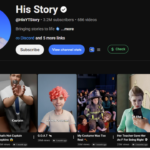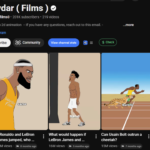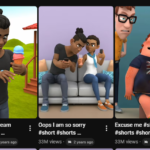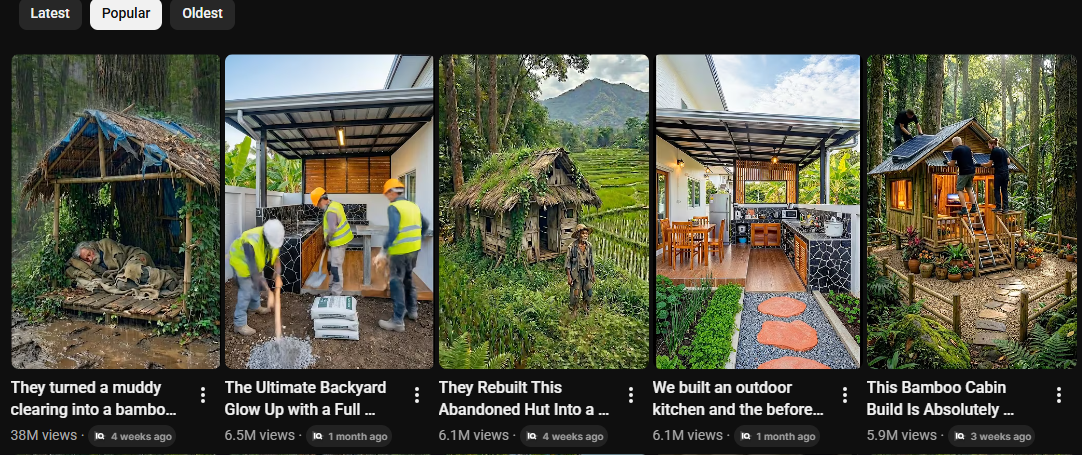
Creating viral videos is no longer complicated. With the right approach and tools, you can generate high-quality emotional videos that have the potential to reach millions of views. In this guide, you’ll learn the exact step-by-step process to create these videos using AI.
Step 1: Get the Right Prompts
The foundation of your video starts with prompts. Instead of guessing or writing them from scratch, you can use pre-made prompts that are already optimized for video creation.
Go to the provided source, open the main post, and access the prompt link. Inside, you’ll find two complete prompts in a Google Doc. These prompts will help you generate video ideas, image prompts, and video prompts.
Step 2: Generate Video Ideas
Copy the first prompt and open an AI platform like abacus.ai. After logging in, choose a powerful model such as ChatGPT.
Paste your prompt into the input box and click generate. Within seconds, the AI will provide multiple video ideas. These ideas will be used as the base for your content.
Step 3: Create Image and Video Prompts
Now copy the second prompt from your document and paste it into the AI tool. Replace the placeholder with one of your generated video ideas.
Click generate, and the system will create detailed image prompts and video prompts. Save these prompts in a new document, as you’ll use them in the next steps.
Step 4: Generate Images
Go to the image generation section and select a high-quality model such as Nano Banana 2.
Paste your first image prompt into the prompt box. Set your image preferences like aspect ratio (9:9) and resolution. Turn off automatic prompt modification for better control.
Click generate and download the image once it’s ready.
Repeat this process for all prompts. Each time:
- Paste a new prompt
- Upload the previous image as a reference
- Generate the next image
This ensures visual consistency across all images.
Step 5: Convert Images into Videos
Once all images are ready, move to the video generation section.
Prompt linkSelect “Image to Video” mode and choose a video model like Grok AI Video. Paste your video prompt and upload the corresponding image as the starting frame.
Set your video duration, resolution (720p), and aspect ratio (9:16), then click generate.
Repeat this process for every image to create all video clips.
Step 6: Download All Clips
After generating all video clips, download each one and save them to your device. These clips will be used in the final editing step.
Step 7: Edit Your Video
Open any video editing software of your choice. Import all your clips and place them on the timeline in order.
Enhance your video by adding:
- Transitions
- Background music
- Effects
- Text (optional)
Adjust timing and pacing to make the video more engaging.
Step 8: Export and Upload
Once your editing is complete, export the final video. You can now upload it to platforms like YouTube, TikTok, or Instagram.
Final Thoughts
This method works because it combines emotional storytelling with AI-powered visuals and time-lapse style transformation. By following each step carefully and maintaining consistency, you can create highly engaging videos that have strong viral potential.