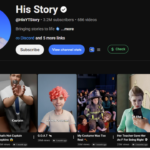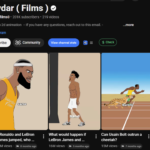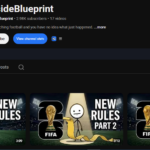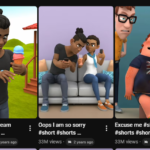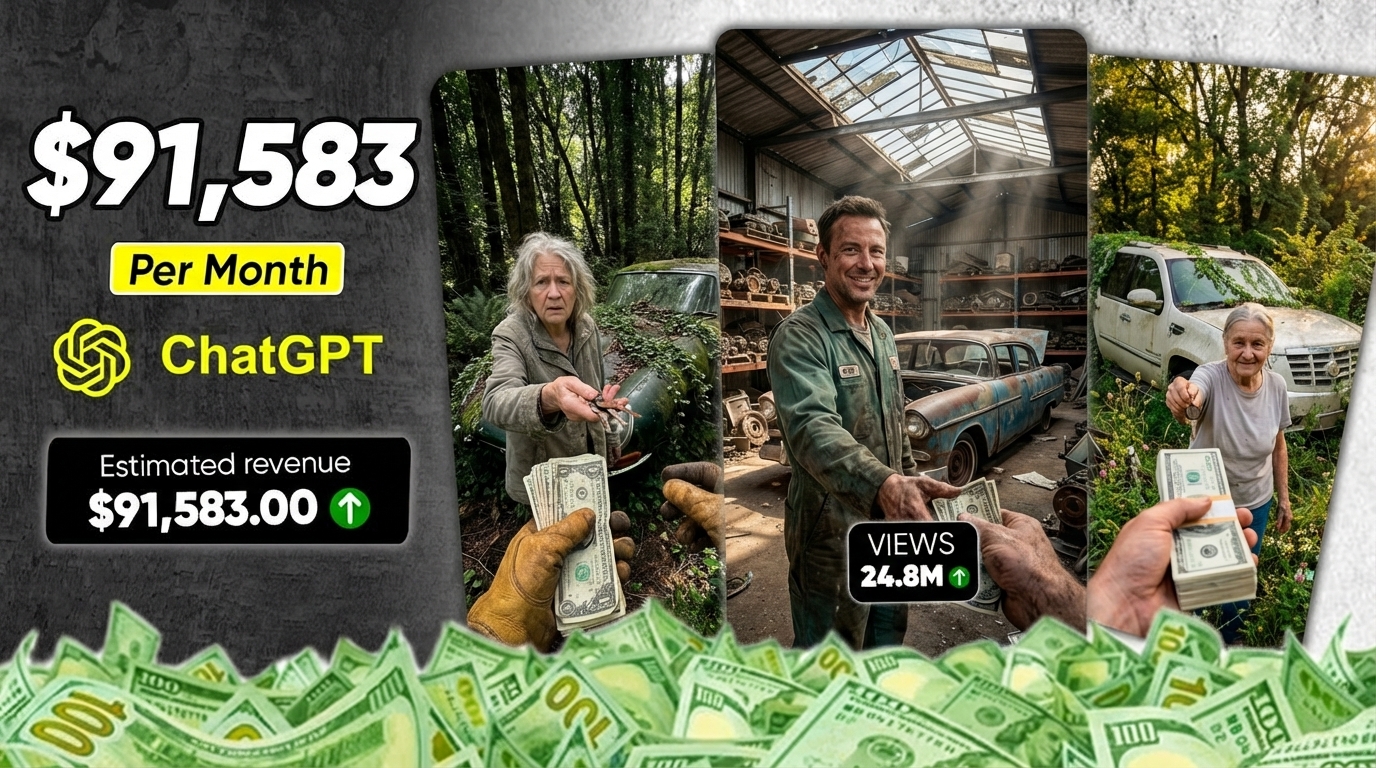
Have you noticed those car restoration videos going viral everywhere?
The ones where someone takes a completely abandoned, broken-down car… and transforms it into a luxury masterpiece?
These videos are getting millions and millions of views.
And it’s not just one channel.
Some creators are gaining over 170,000 subscribers with less than 50 videos, and individual videos are crossing 90 million views. Even more shocking? Multiple channels are consistently hitting 20M, 10M, and 5M views per video.
This content isn’t just blowing up on YouTube — it’s also going viral on Instagram Reels and TikTok.
So the real question is:
👉 How are people making these videos?
👉 And how can you create the same viral content without spending money?
In this guide, I’ll show you step-by-step how to create viral car restoration videos using free AI tools.
⚠️ Important: If you skip even one step, your final result won’t turn out right — so follow carefully.
🧠 Step 1: Generate Viral Video Ideas Using AI
To start, you need a strong video idea.
where you’ll find a ready-made prompt inside a Google Doc.

Copy the first prompt and paste it into ChatGPT.
Click generate.
Within seconds, ChatGPT will give you 10 viral video ideas.
👉 Pick one topic you like
👉 If you don’t like the results, regenerate
For this tutorial, we’ll pick one topic and build a full video around it.
🎨 Step 2: Create Image Prompts
Next, go back to the Google Doc and copy the second prompt.
Paste it into ChatGPT.
Inside the prompt, you’ll see a section that says:
👉 “Paste your topic idea here”
Now paste your selected topic there and click generate.
ChatGPT will now create detailed image prompts for your video.
🖼️ Step 3: Generate Images Using Free AI
Now it’s time to create visuals.
Copy your first image prompt and go to Pippit AI
- Sign up and log in
- You’ll get free credits
- Select Image option
Paste your prompt into the box.
Set:
👉 Aspect ratio: 9:16
👉 Choose any model
Click generate.
Your image will be ready in a few seconds.
If you don’t like it → regenerate.
🔁 Step 4: Maintain Consistency (Important)
After downloading your first image:
- Upload it again into Pippit AI
- Copy the next prompt from ChatGPT
- Paste it and generate
Repeat this process for every image.
👉 Always upload the previous image before generating the next one
This ensures consistent characters and visuals across your video.
🎬 Step 5: Generate Video Prompts
Once all images are ready:
Go back to the Google Doc and copy the third prompt.
Paste it into ChatGPT and click generate.
ChatGPT will now create video prompts for each image.
Wait 30–40 seconds.
Now you’re ready to turn images into videos.
🎥 Step 6: Convert Images Into Videos
Use a free tool like Flow AI.
- Sign up (you get daily credits)
- Click “Create with Flow”
- Start a new project
- Select Video (9:16)
Upload your first image.
Copy the first video prompt from ChatGPT and paste it.
Click generate.
Repeat this process for all images.
👉 Upload image → paste prompt → generate
Now you’ll have multiple video clips ready.
✂️ Step 7: Edit Your Video
Download all your video clips.
Open CapCut.
- Import all clips
- Arrange them on the timeline
- Adjust speed
- Add transitions
- Apply effects
Make your video smooth and engaging.
🚀 Step 8: Export Final Video
Once editing is complete:
Click export.
Your final viral-ready video is now ready.
💡 Final Thoughts
This method is powerful because it allows you to:
- Create viral content using free AI tools
- Build a faceless YouTube channel
- Grow on YouTube Shorts, TikTok, and Reels
- Potentially generate passive income online
But remember…
👉 Success depends on execution
👉 Follow every step carefully
👉 Stay consistent
🔥 Conclusion
This AI niche is still early — but it won’t stay that way forever.
If you start now, you can take advantage of this trend before it becomes saturated.
So don’t wait.
Start creating your first viral video today 🚀