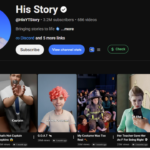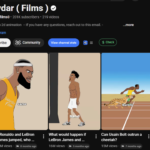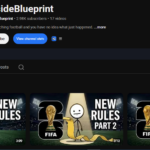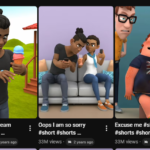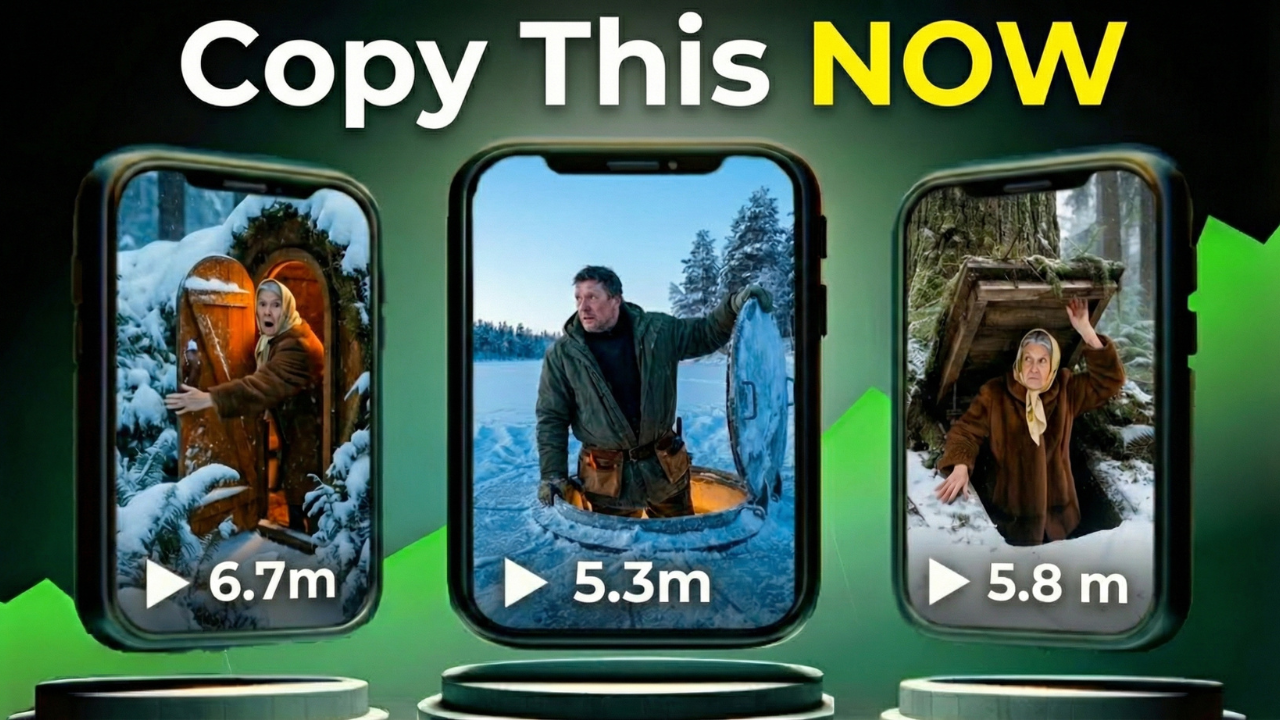
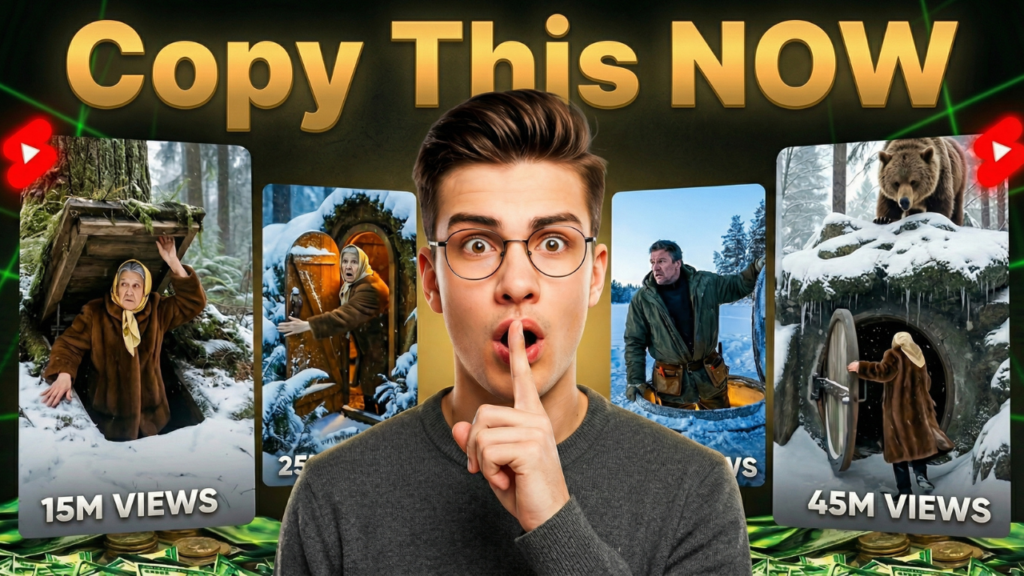
The Underground Bunker POV trend is exploding across YouTube Shorts, TikTok, and Instagram Reels. Small channels with barely any subscribers are getting 4–5 million views from simple AI-generated videos.
The craziest part?
You don’t need expensive software.
You don’t need editing skills.
You don’t even need money.
In this guide, I’ll show you exactly how to create viral AI bunker Shorts using completely free AI tools — from idea generation to final upload.
If you’ve been wanting to start a faceless YouTube channel, this is your opportunity.
Why AI Bunker POV Shorts Are Going Viral
POV (Point of View) storytelling creates instant immersion. When viewers feel like they are inside the scene — being chased, escaping danger, entering a bunker — retention skyrockets.
High retention = more watch time.
More watch time = more algorithm push.
More push = viral views.
And right now, competition in this niche is still surprisingly low.
Step 1: Generate Viral Video Ideas Using ChatGPT
The first thing you need is a structured AI prompt.
You’ll find the master prompt link in the description (or resource section). Inside the Google Doc, you’ll see one powerful prompt that generates everything for you.
Here’s what to do:
- Copy the master prompt.
- Open ChatGPT.
- Paste the prompt.
- Click Generate.
Within seconds, ChatGPT will give you 10 viral bunker POV video ideas.
If you don’t like them?
Just ask it to generate more.
Choose the strongest, most emotional title.
Step 2: Generate Scene-by-Scene Prompts
Once you pick your topic:
- Copy the title.
- Paste it back into ChatGPT.
- Click Generate again.
Now ChatGPT will create:
- Scene-by-scene image prompts
- Matching video prompts
- Action descriptions for each scene
This is your entire video blueprint.
Step 3: Create Cinematic AI Images (Free Tool)
Now we generate images.
We’ll use a free AI tool called Pippit AI.
How to Generate Images:
- Copy the first image prompt from ChatGPT.
- Go to Pippit AI.
- Sign up and log in.
- Click on the Image option.
- Paste your image prompt.
- Select your image model (cinematic/realistic).
- Choose 9:16 ratio (vertical format).
- Click Generate.
Wait a few seconds — your image will be ready.
If it doesn’t look good, click Try Again.
Repeat this process for every image prompt.
Important: Only copy the image prompts — not the video prompts.
prompt link
Step 4: Download Images Properly
Once all images are generated:
- Click each image.
- Select Download.
- Choose PNG format.
- Select Without Watermark.
- Save to your device.
Download all images in high quality.
Step 5: Convert Images Into Videos Using AI
Now we turn static images into cinematic videos.
We’ll use Flow AI (free credits included).
Steps:
- Open Flow AI.
- Click New Project.
- Select the Video option.
- Set ratio to 9:16.
- Choose your cinematic model.
- Upload your first image.
Now go back to ChatGPT.
Under your first image prompt, you’ll see a matching video prompt.
Copy it exactly.
Paste it into Flow AI and click Generate.
Your first animated scene will render.
If you don’t like the result, regenerate it.
Repeat this process for every image.
When finished, download all video clips.
Step 6: Edit Everything in CapCut
Now it’s time to assemble your final video.
Editing Process:
- Open CapCut.
- Click New Project.
- Import all your video clips.
- Drag them onto the timeline in order.
If you see a watermark:
- Slightly zoom into the frame to crop it out.
You can now:
- Add music
- Add cinematic sound effects
- Add transitions
- Add filters
- Improve pacing
- Adjust brightness/contrast
Keep it fast-paced for Shorts retention.
Once satisfied, click Export.
Your viral AI bunker Short is ready.
Why This Strategy Works
This method works because it combines:
- AI automation
- Emotional POV storytelling
- High-retention editing
- Low competition trend
- Faceless scalability
It’s beginner-friendly.
It requires zero upfront investment.
And it’s perfect for YouTube automation.
Final Thoughts
Right now, AI bunker POV Shorts are in the early growth phase.
That means:
- Low competition
- High engagement
- Strong algorithm push
But trends don’t last forever.
If you’re serious about building a faceless YouTube channel using AI, now is the time to act.
Start today.
Test ideas.
Stay consistent.
And most importantly — focus on retention.
Because retention is what makes videos blow up.