If you’ve been trying to make AI transformation videos but your uploads keep dying with low views, here’s the uncomfortable truth: most tutorials leave out the one thing that actually drives retention.
That’s why people copy the process perfectly and still get ignored by the algorithm.
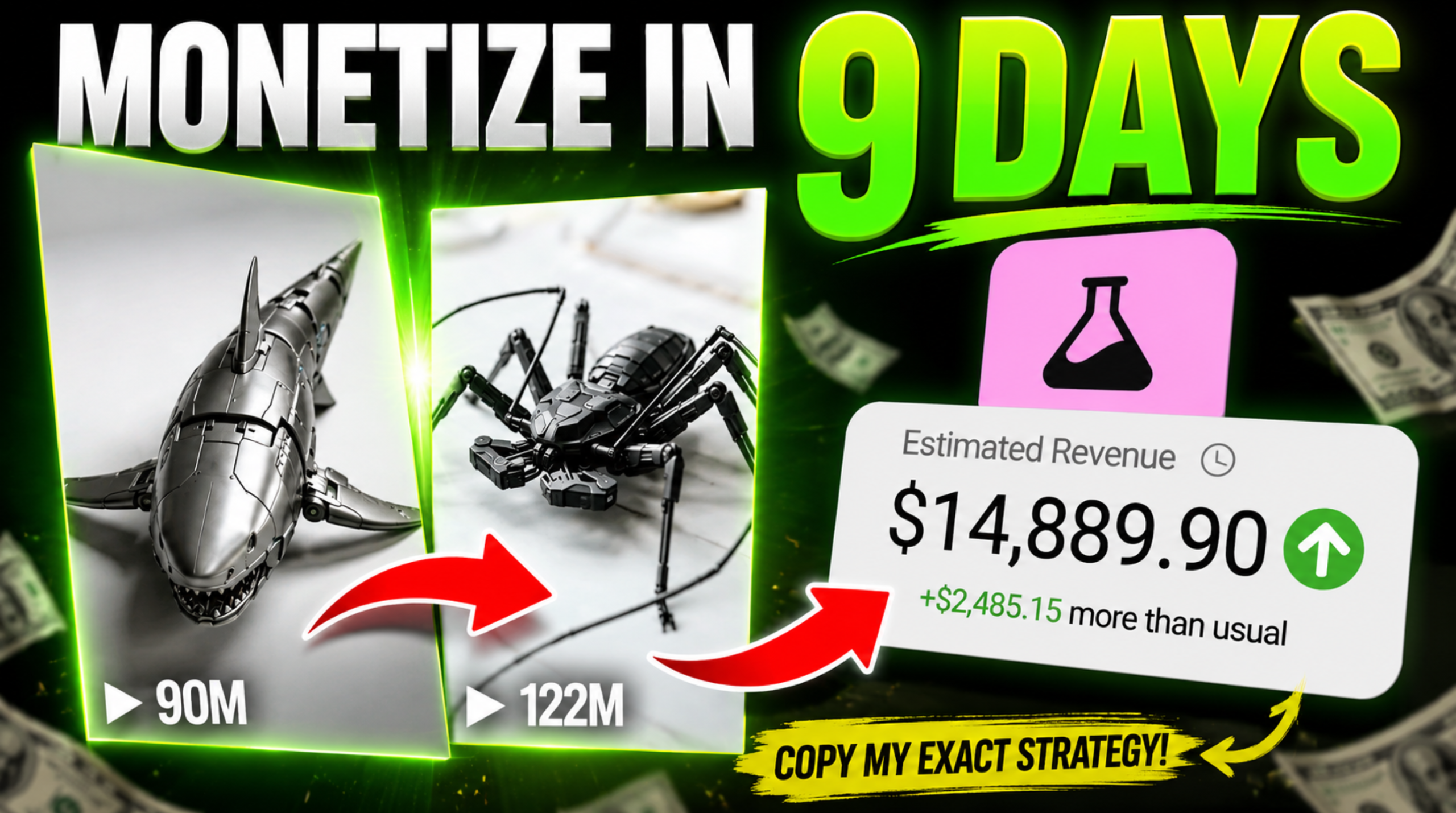
Meanwhile, creators using this exact format are pulling:
- 22M+ views on TikTok
- 32M+ views on single uploads
- 77M+ Instagram views from brand-new accounts
And they’re doing it with free AI tools.
This guide breaks down the full workflow step-by-step — including the retention mechanic most creators completely miss.
Why These Transformation Videos Go Viral
The format looks simple on the surface:
- A toy transforms
- The country changes
- The design changes with it
But the real reason it works is psychological.
Here’s the loop:
“In Japan it looks like this…”
transformation
“In Nepal it looks like this…”
transformation
“In the US it looks like this…”
transformation
Every country creates a new curiosity trigger.
The viewer keeps waiting to:
- see their country
- compare designs
- discover what comes next
That destroys skip rate and massively increases watch time — exactly what TikTok, Instagram Reels, and YouTube Shorts reward.
And because these videos often exceed 1 minute, they can qualify for monetization programs like the TikTok Creativity Program.
This isn’t just about views. It’s about retention-driven distribution.
Step 1: Get the Viral Prompt Framework
The workflow starts with a master prompt.
The prompt generates:
- country ideas
- transformation concepts
- text overlays
- image prompts
- motion prompts
- full scene structure
Instead of manually scripting everything, the AI handles the creative structure for you.
The tutorial workflow uses Claude AI as the scripting engine because it can guide the process interactively.

Step 2: Choose Your Viral Theme
After pasting the master prompt into Claude, it asks:
“Type Step 1 to browse theme options.”
Claude then generates multiple viral theme angles such as:
- Luxury Editions Around the World
- Street Food Versions by Country
- Futuristic Country Designs
- Military Variants
- Country Edition Transformations
This matters more than people think.
Most creators choose themes based on what they like instead of what creates broad curiosity.
The best themes:
- are globally recognizable
- create strong visual differences
- trigger national identity reactions
“Country Edition” works especially well because people instinctively search for their own country in the sequence.
Step 3: Pick the Right Transformation Object
Claude then suggests transformation objects like:
- cars
- robots
- jets
- containers
- toys
Most beginners make the mistake of choosing objects with weak visual contrast.
Bad choice:
- objects that look similar across countries
Good choice:
- objects with dramatic design variation
Cars work particularly well because:
- everyone recognizes them
- every country has a different automotive identity
- transformations feel believable
The stronger the visual contrast, the stronger the retention.
Step 4: Use ALL Countries — Not Just a Few
This is where most creators sabotage themselves.
Claude gives two options:
- choose 3 countries
- choose all countries
Most people pick fewer because it seems easier.
That’s the wrong move.
More countries means:
- longer runtime
- more watch time
- more people waiting for their country
- stronger algorithm signals
The entire format depends on sustained curiosity.
If you cut the country list short, you weaken the retention engine.
Step 5: Generate AI Images with Flow AI
Now Claude outputs:
- image prompt #1
- image prompt #2
- motion prompt
The production phase begins using Flow AI.
Setup Instructions
Inside Flow AI:
- Create a new project
- Set aspect ratio to 9:16
- Choose 1 image output
- Select your preferred AI model
Generate:
- the first image (start frame)
- the second image (end frame)
These become the transformation endpoints.
Step 6: Create the Transformation Animation
Now switch from Image Mode to Video Mode.
Add:
- Start Frame = Image 1
- End Frame = Image 2
Then paste Claude’s motion prompt.
The motion prompt controls:
- transformation direction
- speed
- cinematic feel
- movement style
This is the difference between:
- amateur-looking morphs
and - polished viral animations
Generate the clip and download it.
Then repeat the same workflow for every country.
Step 7: Edit Everything in CapCut
Use CapCut for final assembly.
Editing Workflow
- Import all clips
- Arrange them country-by-country
- Add smooth transitions
- Remove watermarks by slightly zooming clips if necessary
Keep transitions simple.
The transformation itself is already visually intense. Over-editing ruins pacing.
The Most Important Step: TEXT OVERLAYS
This is the step almost everyone skips.
And it’s the entire reason most videos fail.
The text is NOT decoration.
It is the retention mechanism.
Every clip needs:
- country name
- transformation description
Without text:
- viewers don’t understand the pattern fast enough
- curiosity collapses
- retention drops
- distribution dies
The overlay tells the viewer:
“Wait — I need to see what my country looks like.”
That single psychological trigger is carrying the entire format.
Best Text Styling
Use:
- white text
- dark outline
- upper third or center placement
- subtle animations only
Do NOT:
- use flashy fonts
- clutter the screen
- over-animate text
Consistency matters more than creativity here.
The Fastest Workflow Trick
Once your first text overlay is styled:
- copy it
- paste onto every clip
- only change the wording
This keeps:
- visual consistency
- faster editing
- cleaner branding
Most viral short-form creators optimize for production speed, not perfection.
That’s why they can upload at scale.
Final Thoughts
This format works because it combines:
- AI spectacle
- national identity
- curiosity loops
- long retention
- scalable production
But the harsh reality is this:
Most people fail because they obsess over visuals while ignoring viewer psychology.
The algorithm does not care how impressive your AI animation looks.
It cares whether people keep watching.
And the country-based curiosity loop is what makes that happen.